7 Quick Ways to Get Your Website's Navigation Back on Track
If you’ve already modified or built your site, but want to test a few different navigation methods, give these quick tricks a try.


Your website’s navigation is one of the most important elements that can make or break a visitor’s online experience, and ultimately affect conversions. It’s no secret that a human’s attention span can be short, so making it easy for them to find what they’re looking for in a pinch is crucial. That’s why you need to be savvy with your navigation design!
The good news is, all it takes to revamp navigation are a few simple changes to your website design. If you’ve already modified or built your site, but want to test a few different navigation methods, give these quick tricks a try.
1. Placement: always keep navigation at the top of each page where it’s easy to find right away. You can also place it in the footer.
2. Keep it simple: Short text, easily organized lists, dropdown menus…all of these are efficient designs.
3. Leave little reminders: Breadcrumbs are a clever way to remind users of their navigation trails. Breadcrumbs allow users to know what page they’re on along with prior pages they’ve visited.
4. Give them the freedom to search: A search bar is always vital, allowing your visitors to search via keyword. Keep the search bar near the top of the page.
5. Less is more: Remember our simplicity tip…don’t go overboard by offering too many navigation options. Test different methods and keep the ones that yield the best results.
6. Links: Always include links in your blogs and website copy, linking pages to text in the copy that clearly states where it will send the user.
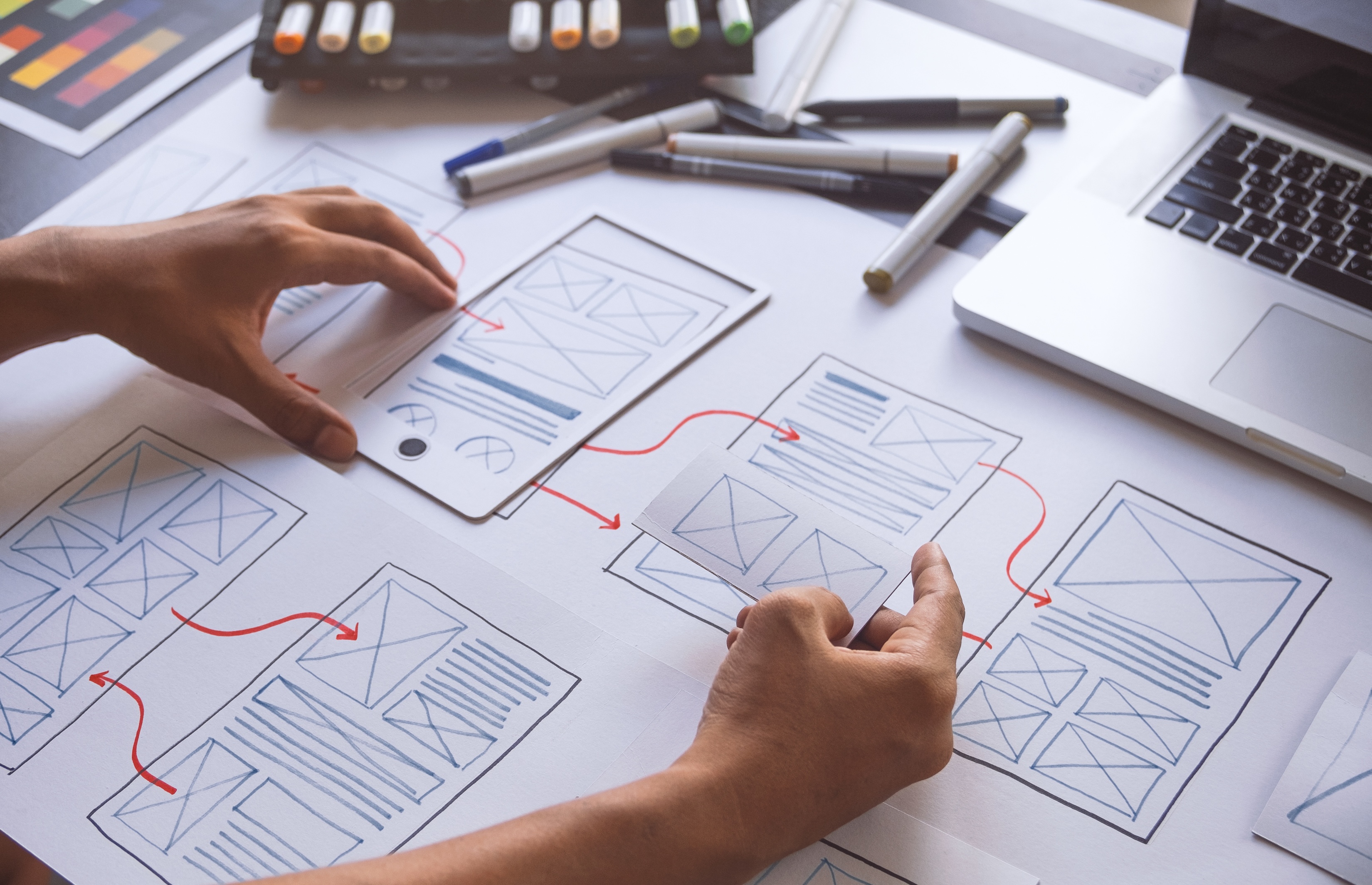
7. Map it out: Keep your navigation fully visible by drawing a website layout that clearly shows a pyramid-style with the homepage at the top and the remaining pages extending below in layers, ranked according to importance. This ensures consistency throughout your website where linking is concerned.
Related posts

Why Good Design Alone Won’t Convert (And What Actually Does)
If your website isn’t converting, the issue usually isn’t how it looks—it’s how it functions, communicates, and guides users. Let’s take a closer look.
Why Your Website Is Your Most Important Sales Tool
Your website isn’t just a digital placeholder—it’s your most powerful sales tool.

The Biggest Technology Mistakes Jacksonville Small Businesses Make
By identifying common technology mistakes early, businesses can build stronger systems that support efficiency, security, and customer engagement. Here’s our list of the most common mistakes to look out for, and how to best navigate them.